The Computer Shopping Guide — A Friendly Walkthrough to Help You Choose the Right One
Shopping for a computer can feel like learning a new language. Here's the plain-English version.
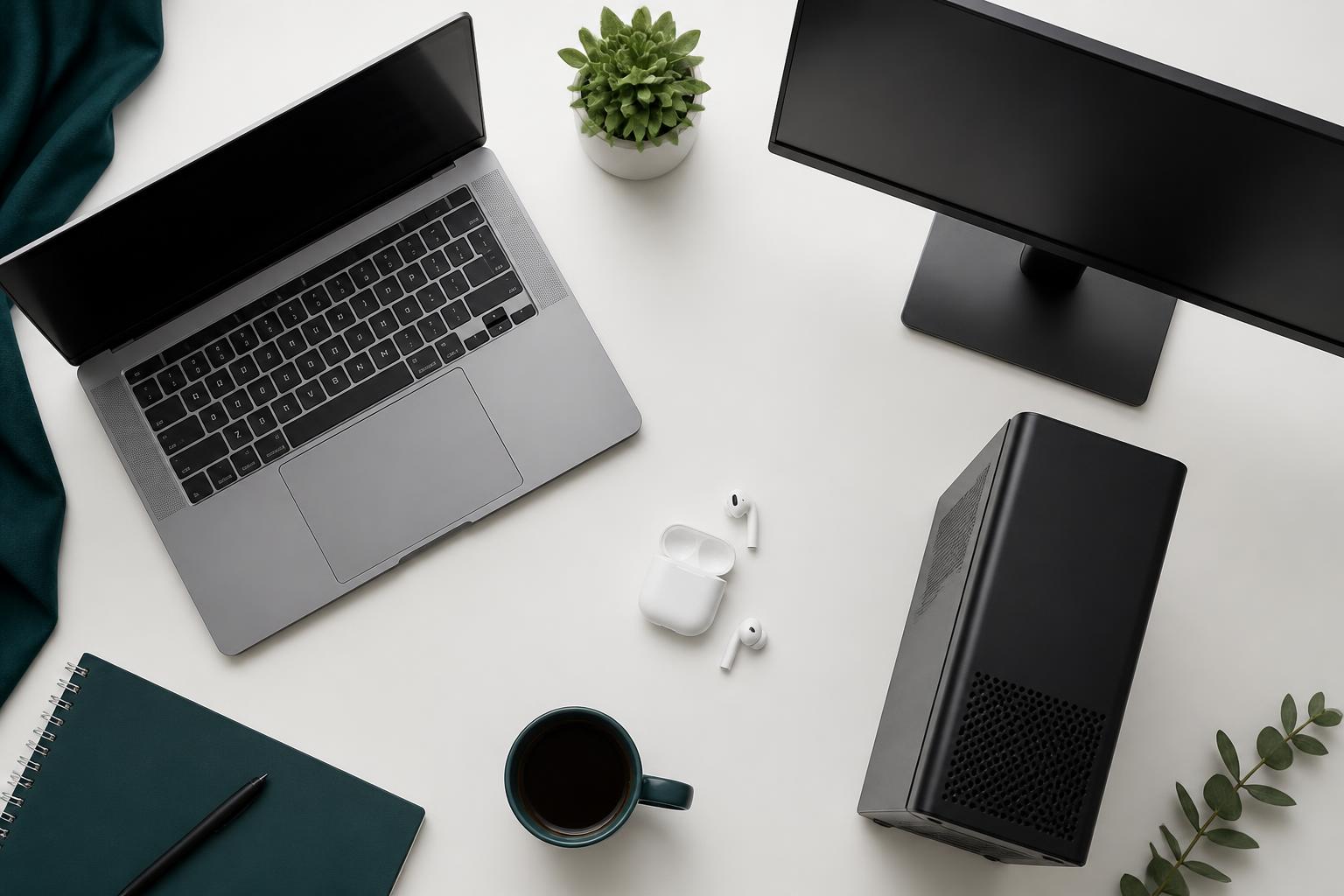
Let's face it — shopping for a computer can feel like learning a new language. Processors, RAM, SSDs, graphics cards... it's a lot. You don't need to be tech-savvy to make a smart decision. Whether you're buying your first laptop or upgrading a desktop at home, here's the walkthrough, step by step.
Computer or Laptop? Which One Fits You Best?
The first decision is simple: do you need something portable, or will it stay in one place? Desktop computers are great for workstations, home offices, or anyone who needs power and doesn't mind staying put. They're usually faster for the price and easier to upgrade later. Laptops are compact, battery-powered, and ideal for people on the move — field and remote workers, or anyone with limited space.
Tip: If you'll mostly use it at a desk, go desktop. If you need flexibility and portability, go laptop.
Understanding the Processor (CPU)
This is your computer's "brain." A stronger processor means smoother performance.
- Core i3 / Ryzen 3 — Basic needs: browsing, email, light work.
- Core i5 / Ryzen 5 — Best for everyday use: office work, multitasking.
- Core i7 / Ryzen 7 — Handles demanding work: editing, design, heavier tasks.
- Core i9 / Ryzen 9 — For pros doing high-performance work daily.
- Intel Core Ultra (Ultra 5 / Ultra 7 / Ultra 9) — Intel's newest lineup, replacing the older naming on many new laptops. Built with a dedicated NPU (Neural Processing Unit) for AI-assisted tasks, plus better battery efficiency and graphics than the equivalent older-gen Core i-series chip.
Tip: Generation matters as much as the name — a 13th Gen i5 can beat an older i7, and a Core Ultra chip isn't automatically better than a high-end i7/i9 from the same era. Check how new it is, not just the label.
RAM — Your Computer's Short-Term Memory
If the processor is the brain, RAM is the workspace. It's what lets your computer juggle multiple tasks at once.
- 4GB — Bare minimum, basic browsing only.
- 8GB — Recommended for normal light work.
- 16GB — Ideal for most people — multiple programs, lots of browser tabs.
- 32GB+ — For power users: video editors, gamers, professionals.
Tip: Go with at least 8GB — it makes everything feel snappier.
Storage — Where Your Files Live
Storage isn't just about space, it affects speed too. An SSD (Solid State Drive) is much faster and more reliable than an HDD (Hard Disk Drive) — it boots in seconds instead of minutes.
- 256GB SSD — Good for light users.
- 512GB SSD — Just right for most people.
- 1TB SSD or more — Best for lots of photos, videos, or games.
Tip: Choose an SSD over an HDD whenever you can — it's one of the biggest speed upgrades you'll actually feel.
Features and Extras That Matter
Specs matter, but so does how it feels to use day to day: screen size and resolution, keyboard and touchpad comfort, battery life, the ports you need (USB, HDMI, SD card), touchscreen, and 2-in-1/tablet mode if you like working flexibly.
Home, Business, and Gaming Computers — What's the Difference?
- Home computers — great for families and everyday tasks: browsing, streaming, homework, managing finances. Built for ease of use, not high-end specs.
- Business computers — built for reliability and security, with stronger build quality, longer support, fingerprint readers, and fewer distractions.
- Gaming computers — built for performance: high-end CPUs, dedicated graphics cards, advanced cooling.
Tip: Don't be fooled by looks — a flashy "gaming laptop" isn't better for everyone. If you're not gaming or editing video, you probably don't need one.
Desktop and Laptop Styles, Explained
- Tower PCs — traditional, powerful, upgradeable. Browse tower PCs(paid link)
- Mini PCs — small and space-saving. Browse mini PCs(paid link)
- All-in-Ones — the computer built into the monitor. Browse all-in-ones(paid link)
- Ultrabooks — lightweight, great for travelers. Browse ultrabooks(paid link)
- Business laptops — durable, with extra security features. Browse business laptops(paid link)
- Gaming laptops — big and powerful. Browse gaming laptops(paid link)
- 2-in-1 convertibles — fold into tablets, great for creative or casual use. Browse 2-in-1 convertibles(paid link)
Final Thoughts — What's Right for You?
There's no one-size-fits-all. Choosing a computer is like choosing a car — it depends on your needs, budget, and priorities. Ask yourself: What will I actually use this for? Do I care more about speed or price? Do I need it to be portable? Will I want to upgrade it later? Answer those honestly, and the right computer usually becomes obvious.
Frequently asked questions
- Should I buy a desktop or a laptop?
- Choose a desktop if you'll mainly use it at a desk and want more power for the price. Choose a laptop if you need portability or work from different locations.
- How much RAM do I need?
- 8GB is fine for basic use; 16GB is ideal for most people juggling multiple programs or browser tabs; 32GB+ is for video editing, gaming, or professional workloads.
- What's the difference between an SSD and an HDD?
- An SSD (Solid State Drive) is significantly faster and more reliable, often booting in seconds. An HDD (Hard Disk Drive) is cheaper and offers more storage per dollar, but is slower.
- Do I need a business laptop or a regular one?
- Business laptops offer stronger build quality, longer support, and security features like fingerprint readers — worth it for professionals, but unnecessary for casual home use.
- What is Intel Core Ultra, and is it better than Core i7/i9?
- Core Ultra is Intel's newest processor lineup, built with a dedicated AI chip (NPU) and improved battery efficiency and graphics. It's not automatically better than a high-end i7/i9 — generation and specific model still matter more than the name alone.
Need help choosing hardware for your team? Get in touch with Gigo Computing.